It is a simple matter to embed a snippet of content from another web page.
Choose the Embed Block  from the block inserter and simply paste in the link. The embed block includes an excerpt of content from the chosen page, along with attribution and a link.
Embed from Your Own Website
Embedding from your own website is even simpler. Just paste a link on a new line in the WordPress editor, to see a nice little extract of a post or page from my own site. A link from your own site activates the Embed Block automatically.
From Another WordPress Site
From a Social Media Platform
The Embed block supports a large number of social media platforms.
Embed from…
The WordPress Block Editor supports embedding from a large number of sites and platforms. See the full list here.
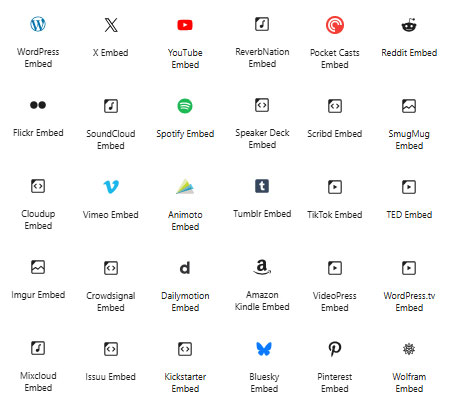
You can either choose the specific embed block from the site you want to include, or just use the generic embed block . Behind the scenes, the embed block will recognise the site your link is on handle it appropriately.
Audio and Video
See Block Editor – Video, Audio and Embeds for a more detailed description of including audio and video.
Changing the Appearance
The look and layout of an embed is largely controlled by the originating website.
For embeds from your own site, ensure you have set up a site icon (in WP Admin > Settings > General). This will help to ensure your site is recognised when other people embed content from your site. Using Featured Images on your own post can also help to make your content visually engaging in embeds.
Using the Classic Editor
The Classic Editor also supports embeds.
Simply paste in the link to the original content, on a new line, and the content snippet will be embedded within your post or page, in a similar layout to the embed block.